Having trouble logging in?
Here are answers to some of the most frequently asked questions.
Have you completed the correct form on your school's website main page?
If not, go back to the main page and complete the Educator form if you are an educator or the Parent form if you are a parent. After completing the form, you will see a confirmation page that tells you to check your email for the login credentials. Head to your email and click on the link in your email to create an account with password. The email may take a few minutes to receive.
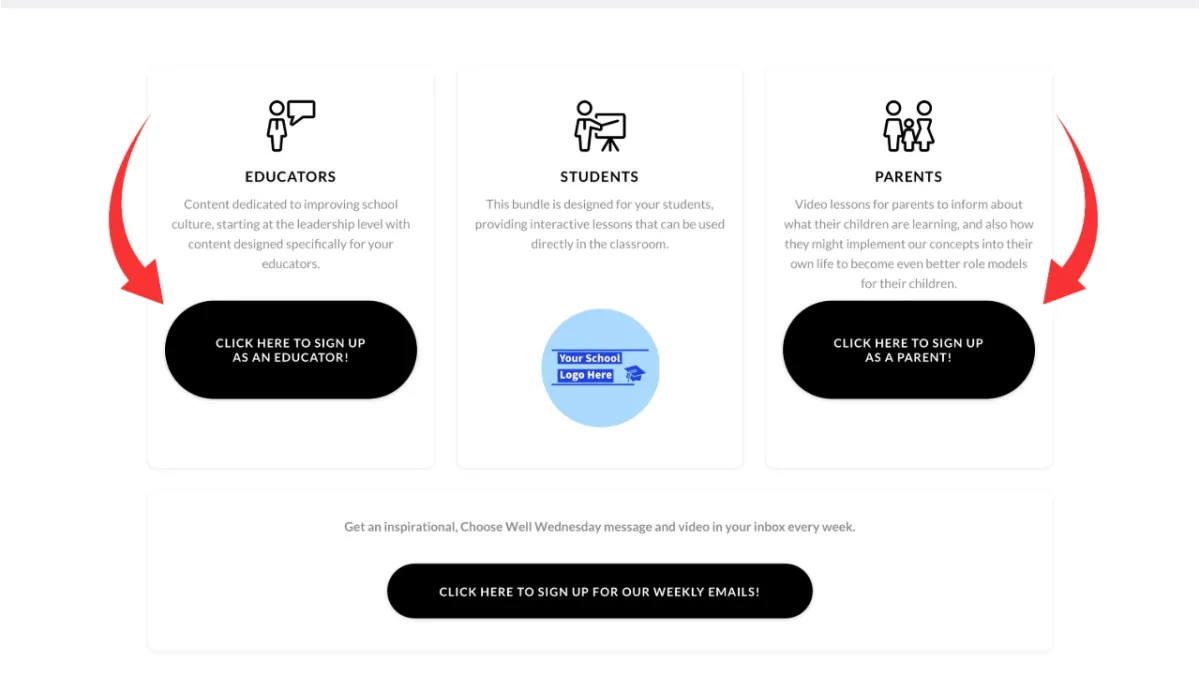
Click on the button for Educators or Parents to complete the form
Did you complete the Educator form or Parent form but did not receive the email?
If you have not received the email with login credentials within a few minutes, you may already have an account. There is a login button on your school’s website main page. Go to your school's website main page and scroll down the page to the bottom and click on the button that says "LOGIN HERE!" (it says "Already have an account?" above that button). If you have forgotten your password, you can click on "Forgot Password?" to create a new one or login using Google.
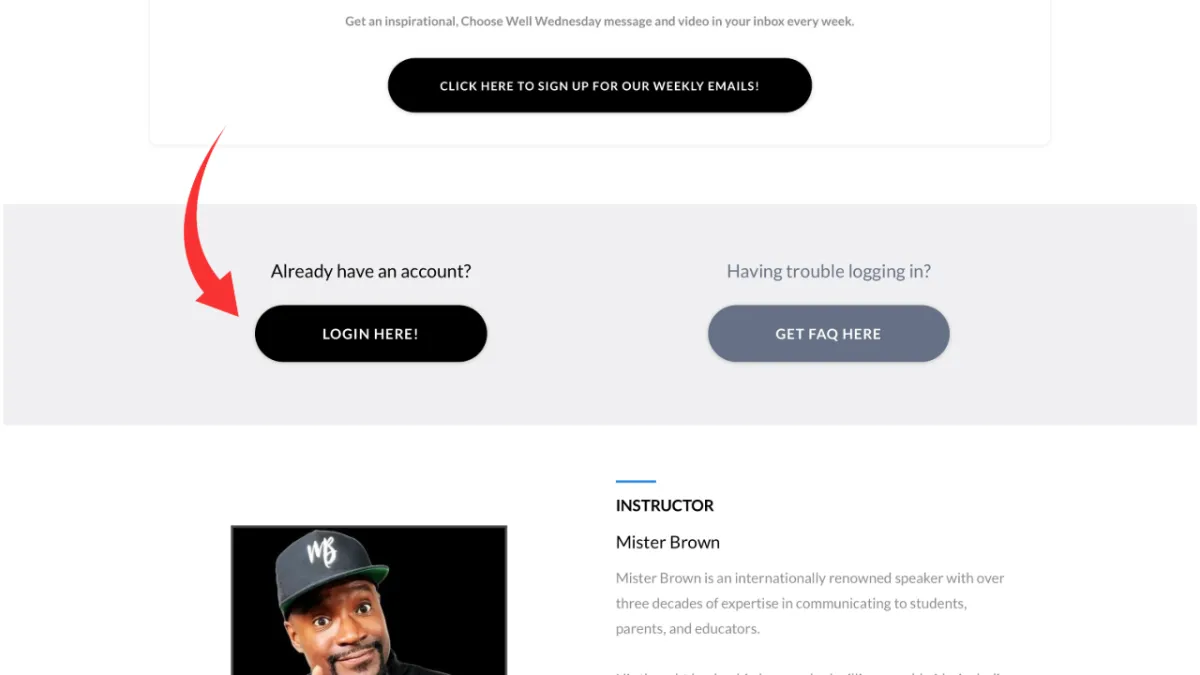
Click on the button that says "LOGIN HERE!"
Did you login, but don't see any video content for your school?
This can happen if you create an account but don’t complete either the Educator form or the Parent form. Go to the main page of your school’s website and complete the Educator form if you are an educator or the Parent form if you are a parent. After completing the form, you will see a confirmation page that tells you to check your email for the login credentials. Head to your email and click on the link in your email.
Click on the button for Educators or Parents to complete the form
For any other questions please reach out directly to us at [email protected]. Please provide the name and email address being used to access the school’s video library.
Copyright 2026 | The Choose Well Group | | Terms of Use & Privacy Policy